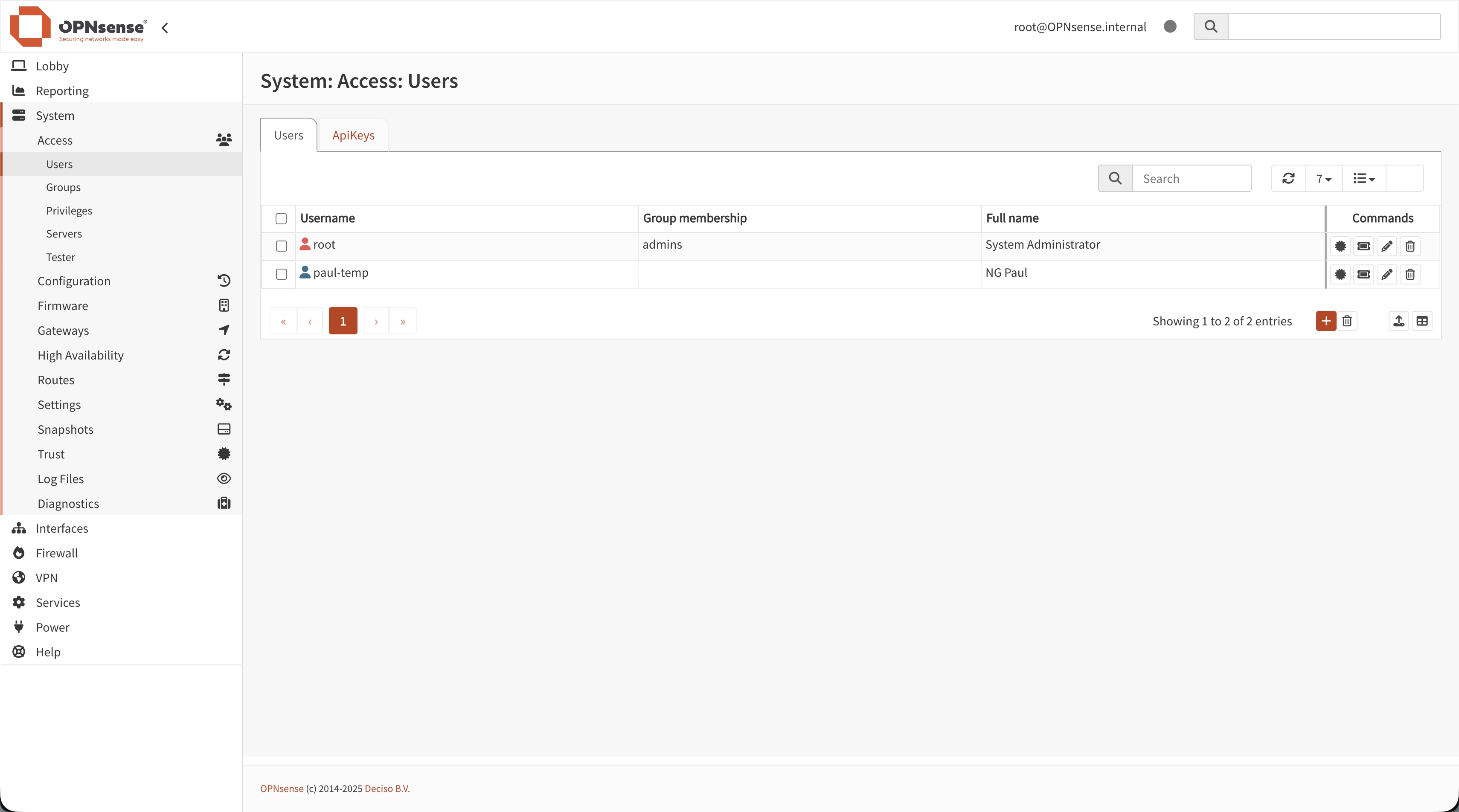
My OPNsense Router/Firewall

Securing my home network with an open-source firewall 🔐

Why OPNsense at home?

After setting up my NAS, I wanted to go further and better secure my home network. I chose OPNsense, an open-source router/firewall distribution based on FreeBSD, to build the core of my home lab network infrastructure.

OPNsense allows me to centralize routing, firewall rules, VPN access and monitoring in a single, hardened appliance instead of relying only on the basic box provided by my ISP.
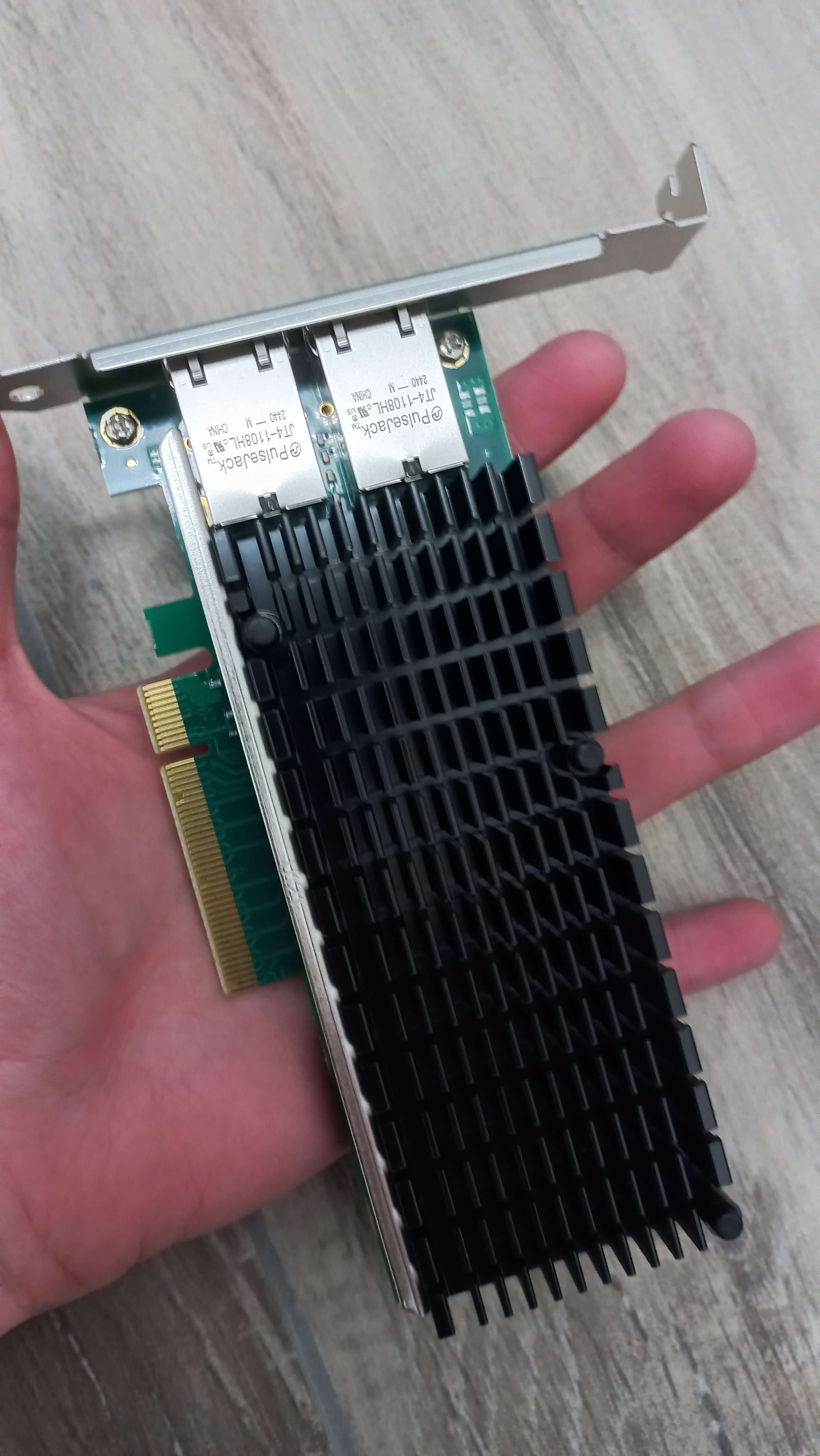
Hardware and Network Topology

For this project, I installed OPNsense on a dedicated small form factor PC with multiple network interfaces. The box from my ISP is now placed in bridge or modem mode, and OPNsense takes care of routing and firewalling for the whole network.

The internal network is divided into several VLANs to separate my personal devices, lab machines, and guest devices. My NAS is directly connected behind OPNsense, which allows me to finely control which services are accessible from which segment.

Services configured on OPNsense

  • Stateful firewall rules to segment and protect the different VLANs
  • VPN access to securely reach my home network from the outside
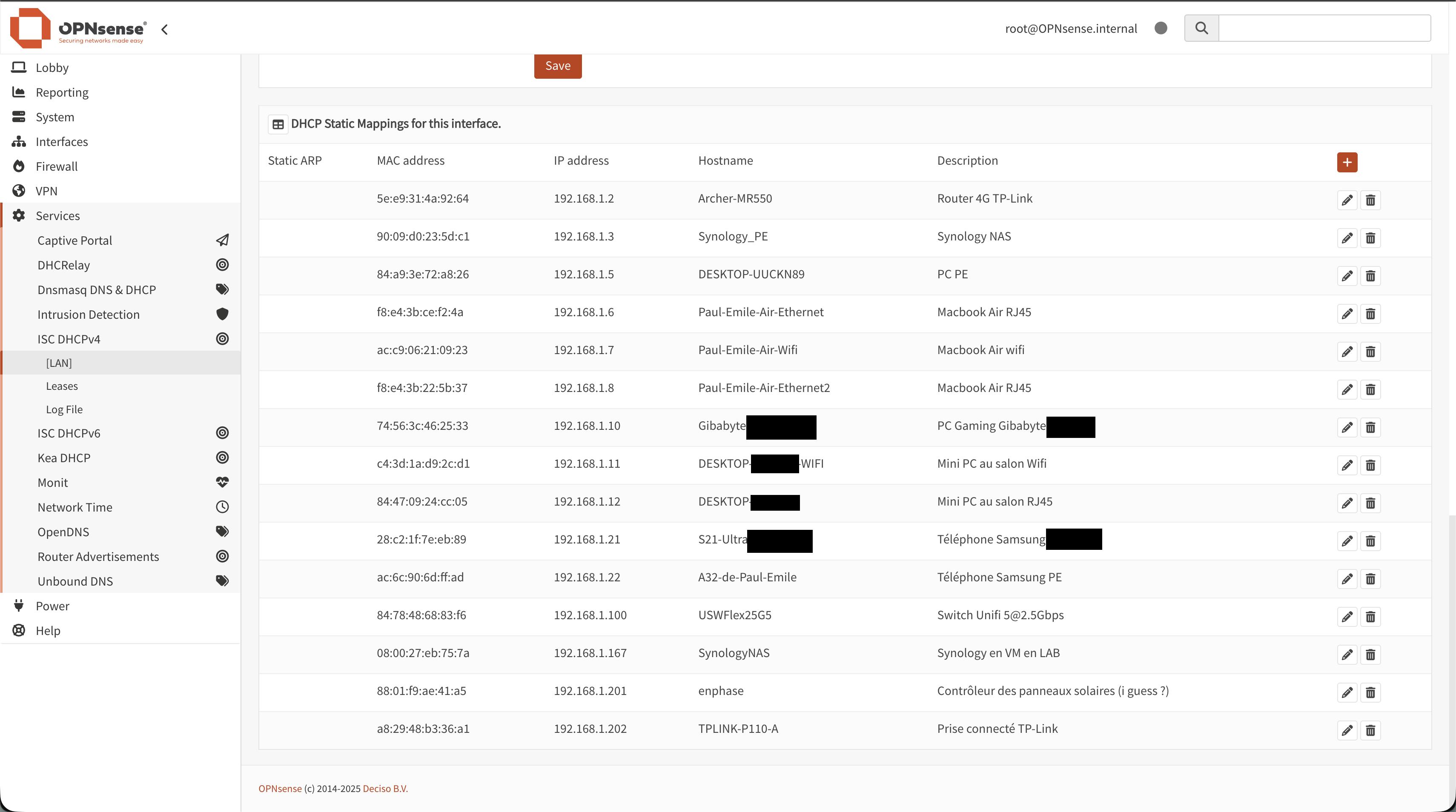
  • DNS and DHCP services controlled directly from OPNsense
  • Traffic monitoring and logs to better understand what happens on the network

Next steps around OPNsense

This OPNsense setup is a key brick of my future home lab. I plan to integrate more security tools (IDS/IPS, SIEM, monitoring) and to document my configurations in more detail.